
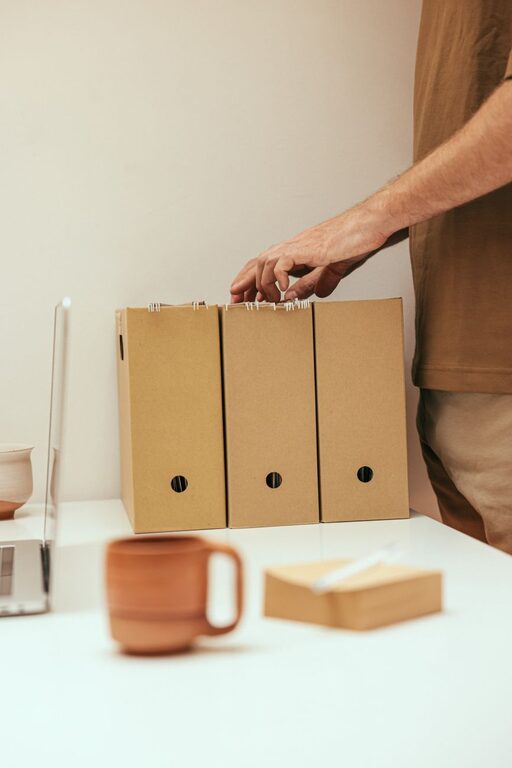
Keeping your computer files organized can save you time, reduce stress, and improve your overall productivity. Whether you work from home, manage a small business, or just want a cleaner digital space, organizing your files is a helpful habit. In this post, we’ll explore straightforward and effective tips to help you arrange your files in a way that’s both logical and easy to maintain.
Why Organize Your Computer Files?
A cluttered computer can slow you down. It makes finding documents difficult and can even cause you to accidentally lose important files. By organizing your files, you can:
– Quickly locate documents when you need them
– Reduce duplicate files and save storage space
– Maintain a clear overview of your projects and tasks
– Reduce frustration and improve focus
Let’s dive into some practical steps to get your files in order.
Start with a Clear Folder Structure
Creating a logical folder system is the foundation of file organization. Here’s how to get started:
1. Assess Your Files
Before making new folders, take a look at what kind of files you have. Are they related to work, personal use, hobbies, or school? Grouping similar files together will make your folder structure easier to navigate.
2. Use Broad Categories
Create main folders that cover broad topics, such as:
– Work
– Personal
– Photos
– Finances
– Projects
– Tutorials
These will be your top-level folders.
3. Add Subfolders for Specific Topics
Inside each main folder, add subfolders to organize your files further. For example, under “Work,” you might have:
– Reports
– Meetings
– Presentations
– Clients
This helps narrow down where files belong.
Name Files and Folders Clearly
Clear names help you identify files at a glance. Here are some naming tips:
– Use descriptive names that include the content or purpose of the file
– Avoid vague names like “Document1” or “Untitled”
– Include dates for version control or time reference (e.g., “MeetingNotes_2024-06-01”)
– Use consistent naming styles, such as underscores instead of spaces for compatibility
Delete and Archive Unnecessary Files
Over time, you may accumulate files you no longer need. To keep your computer clean:
– Regularly delete files that are outdated or no longer useful
– Archive important files you don’t need daily access to by moving them to an external hard drive or cloud storage.
This ensures your working folders only contain relevant files.
Use Tags and Labels if Possible
Some operating systems allow you to add tags or labels to files. This adds another way to categorize and find your files quickly.
– Use tags like “urgent,” “review,” or “personal” to mark files
– Combine tags with folder organization for enhanced searchability
Take Advantage of Search and Shortcuts
Even with organized folders, you might still want to quickly access certain files.
– Use your computer’s search function to find files by name or content
– Create shortcuts or aliases for frequently used files or folders and place them on your desktop or in easy-to-reach locations
Back Up Your Files Regularly
Organization includes protecting your files. Make it a habit to back up your important data regularly.
– Use external drives, cloud services, or both
– Set reminders for backup schedules
– Verify that backups are completed successfully
Use File Management Tools and Apps
There are many tools designed to help with file organization, such as:
– File explorers with enhanced features
– Duplicate file finders
– Cloud storage apps with syncing and sharing options
Experiment with tools that fit your workflow to stay organized effortlessly.
Maintain Your System with Routine Checks
An organized computer won’t stay that way automatically. Set up a routine to:
– Review your folders and delete or archive files
– Rename files as needed to keep consistency
– Ensure backups are up to date
Doing this monthly or quarterly can make a big difference.
Summary Checklist for Organizing Your Files
– Create broad and clear folder categories
– Use descriptive and consistent file naming
– Regularly delete or archive unnecessary files
– Utilize tags and labels if available
– Leverage search and shortcuts for quick access
– Back up your files frequently
– Use file management tools that suit your needs
– Schedule routine maintenance checks
By following these tips, you’ll enjoy a clutter-free digital workspace, making your computer easier and more pleasant to use every day. Start organizing today and experience the benefits of a neat, efficient file system!